
Reducing 3D Model File Size: Practical Optimization Techniques
Ertuğrul Çetrefli
02 Feb 2026
Why Is Optimization Necessary?
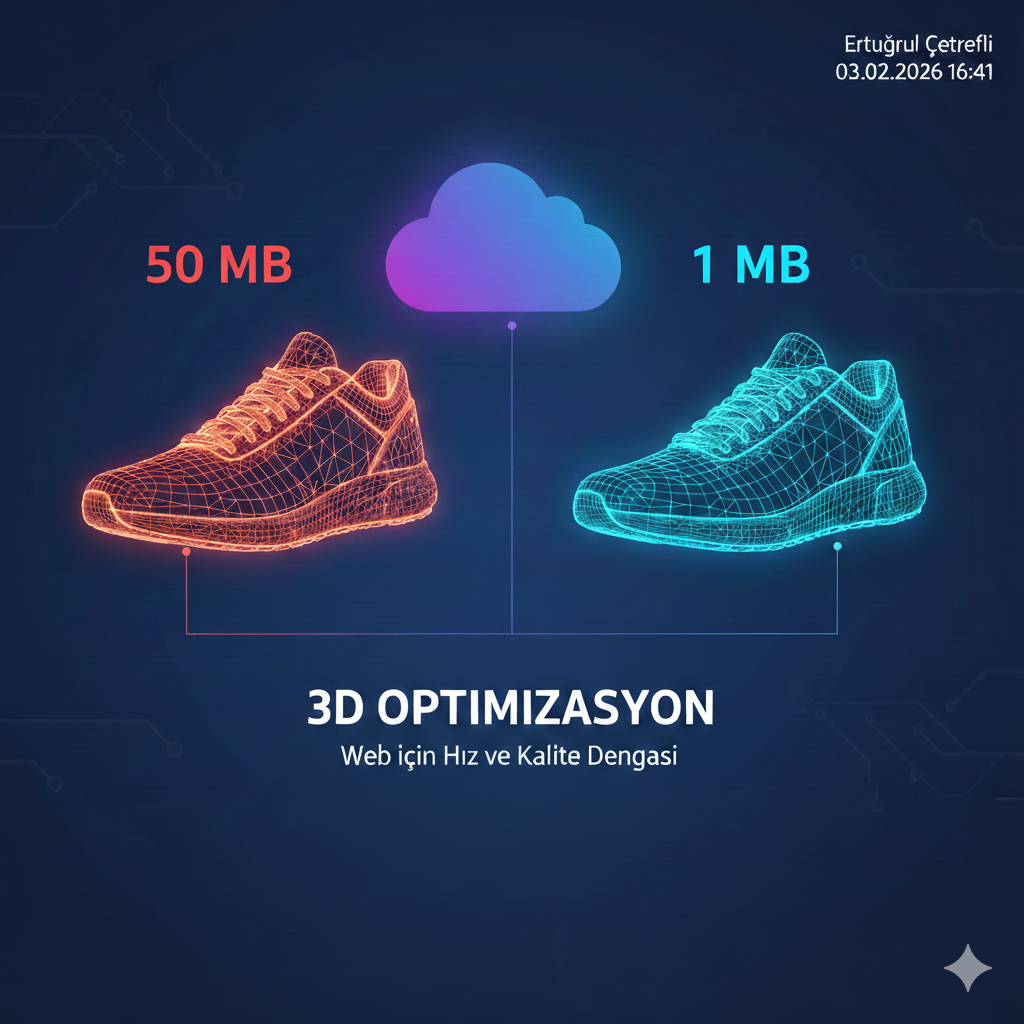
A 3D model file can range from a few kilobytes to hundreds of megabytes. Considering that an e-commerce product page should load in 3-4 seconds, a 50 MB 3D model is unacceptable. The goal is to minimize file size while preserving visual quality.
1. Reducing Polygon Count (Decimation)
Polygon count is the biggest factor in file size. A coffee cup can look realistic enough with 500 polygons, while its unoptimized version might contain 50,000.
Practical guidelines:
- 10,000 - 50,000 polygons is sufficient for web viewing
- Target 5,000 - 20,000 polygons for mobile devices
- Below 10,000 polygons is ideal for AR experiences
Use the decimation modifier in Blender to reduce polygon count in a controlled manner. Lower the ratio gradually and check results visually.
2. Optimizing Texture Size
Texture images typically make up the largest portion of total file size. A single 4096x4096 pixel texture can be 16 MB.
| Use Case | Size | Approx. File |
|---|---|---|
| Small accessories | 512x512 | 50-150 KB |
| Medium products | 1024x1024 | 200-500 KB |
| Large furniture | 2048x2048 | 500 KB - 1.5 MB |
Using WebP or KTX2 format instead of JPEG provides additional size savings. KTX2 can be read directly by the GPU, offering both size and performance advantages.
3. Draco Compression
Draco, developed by Google, is an algorithm that compresses 3D geometry data. It can achieve 80-90 percent reduction in geometry data size.
# Draco compression with gltf-pipeline
npx gltf-pipeline -i model.glb -o model-draco.glb -d

# Setting compression level (0-10)
npx gltf-pipeline -i model.glb -o model-draco.glb -d --draco.compressionLevel 7
When using Draco, note that the Draco decoder library must be loaded on the viewer side. Google's model-viewer component handles this automatically.
4. Meshopt Compression
Meshopt is an alternative to Draco. It does not compress as aggressively but decodes much faster and requires no additional library.
5. Cleaning Unnecessary Data
- Remove unused materials and textures
- Delete invisible faces (like the bottom of a product)
- Clear animation tracks if no animation is needed
- Strip extra vertex attributes (tangent, secondary UV) if not required
Conclusion
A well-optimized 3D model for the web should be between 1-3 MB. This size strikes the right balance between fast loading and good visual quality.
Stay updated with new articles
Get weekly updates about 3D modeling, web technologies and more.
No spam. Unsubscribe anytime.
Ertuğrul Çetrefli
3DCloud ekibinden. 3D modelleme ve web teknolojileri konusunda icerikler uretiyorum.


